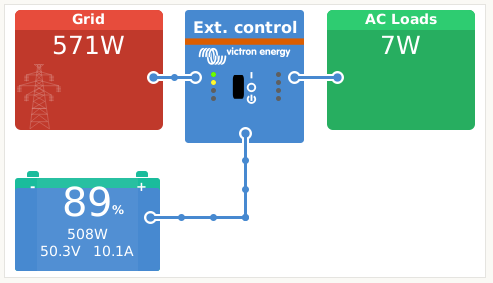
Victron Gridsetpoint fix
This fix is to change the control mode from grid setpoint to battery charge/discharge on Victron inverters.
This can be very useful when you want to control the battery and only the battery.
When you need to take the grid, ac load and pv into account to control the battery with a grid setpoint, its slows down the response time and correctness of the system.
Setup
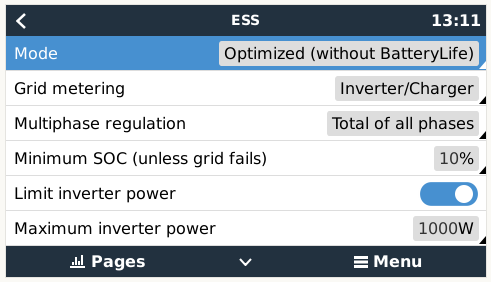
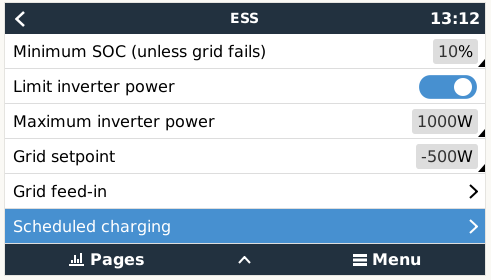
- Set ESS mode to
Optimized (without BatteryLife) - Set the
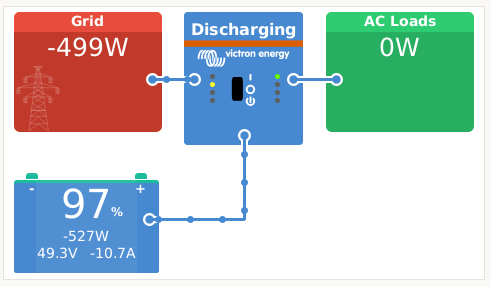
Limit inverter poweroption toOn Maximum inverter powerto the maximum power the battery can handle:1250Grid setpointto-500to discharge the battery at500W(when the load is 0W ofcourse...)
 \
\
The problem
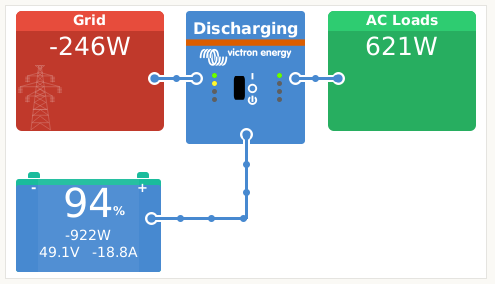
When the load or pv is not 0W, the grid setpoint is not used to control the battery but ofcourse the grid.
The -250W setpoint is still valid but the battery wil discharge more than 250W when there is load or pv.
Fix
Set grid setpoint to -32768W for battery discharge
Then limit the inverter power to the power the battery needs to discharge.
This way the battery is always controlled by the max inverter power setting.
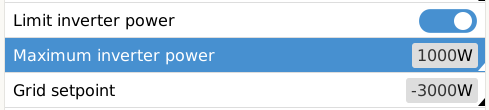
In this example the battery is set to discharge at 1000W.
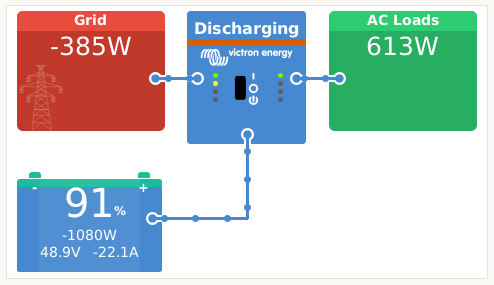
And even when the load changes, the battery will still discharge at 1000W.
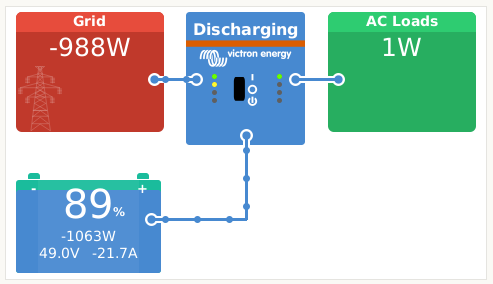
For charging the battery, victron doesn't respect the maximum inverter power setting when grid setpoint is 32768W.
So an extra settings needs to be changed to limit the charging power: DVCC Limit charge current
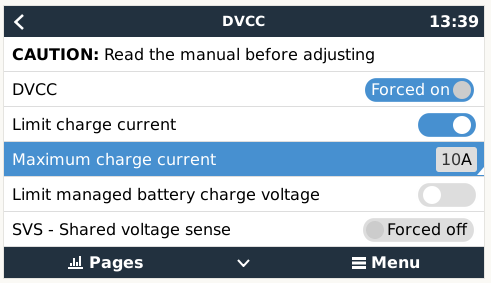
Setting this to 10A will limit the charging power to 500W (50V * 10A = 500W).